
MagDI™ announcement to past weight loss enquirers
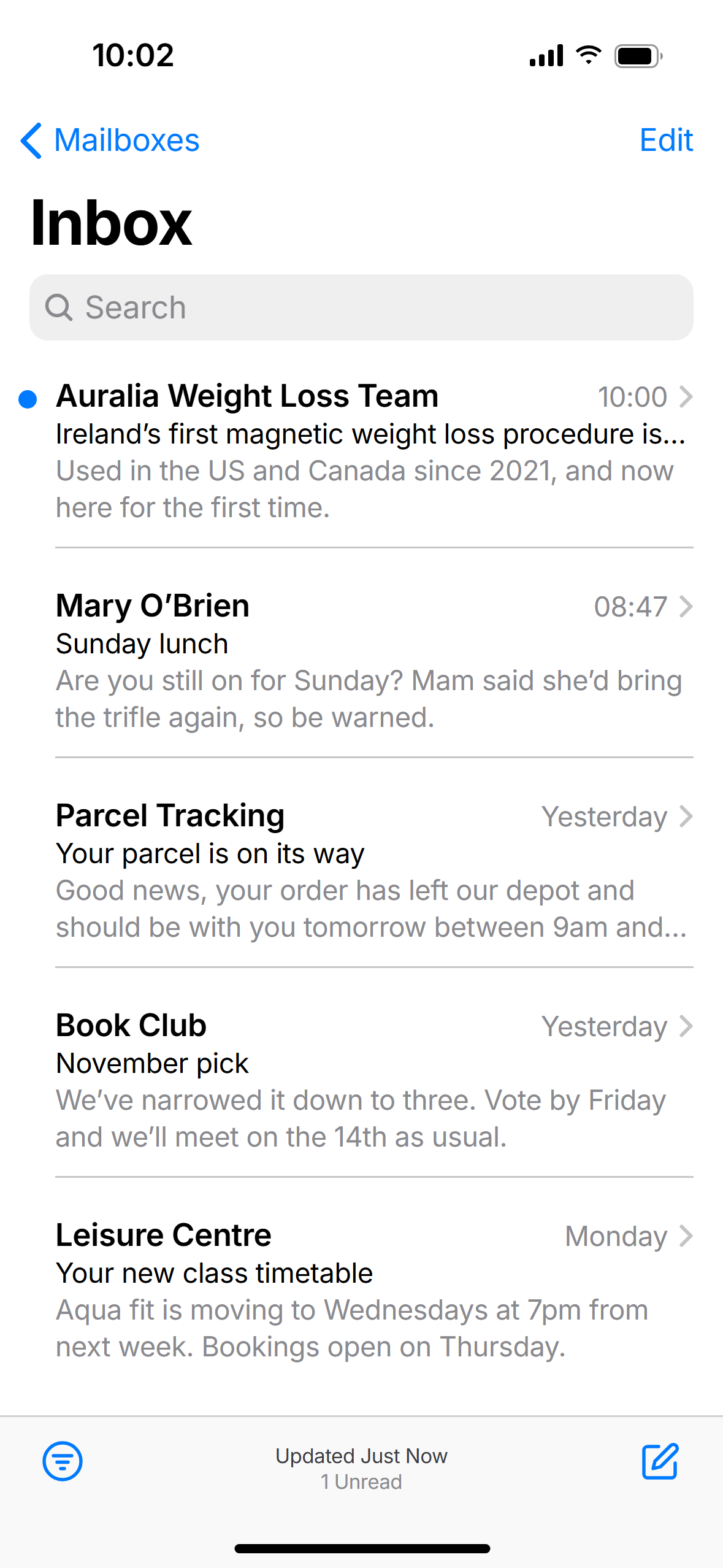
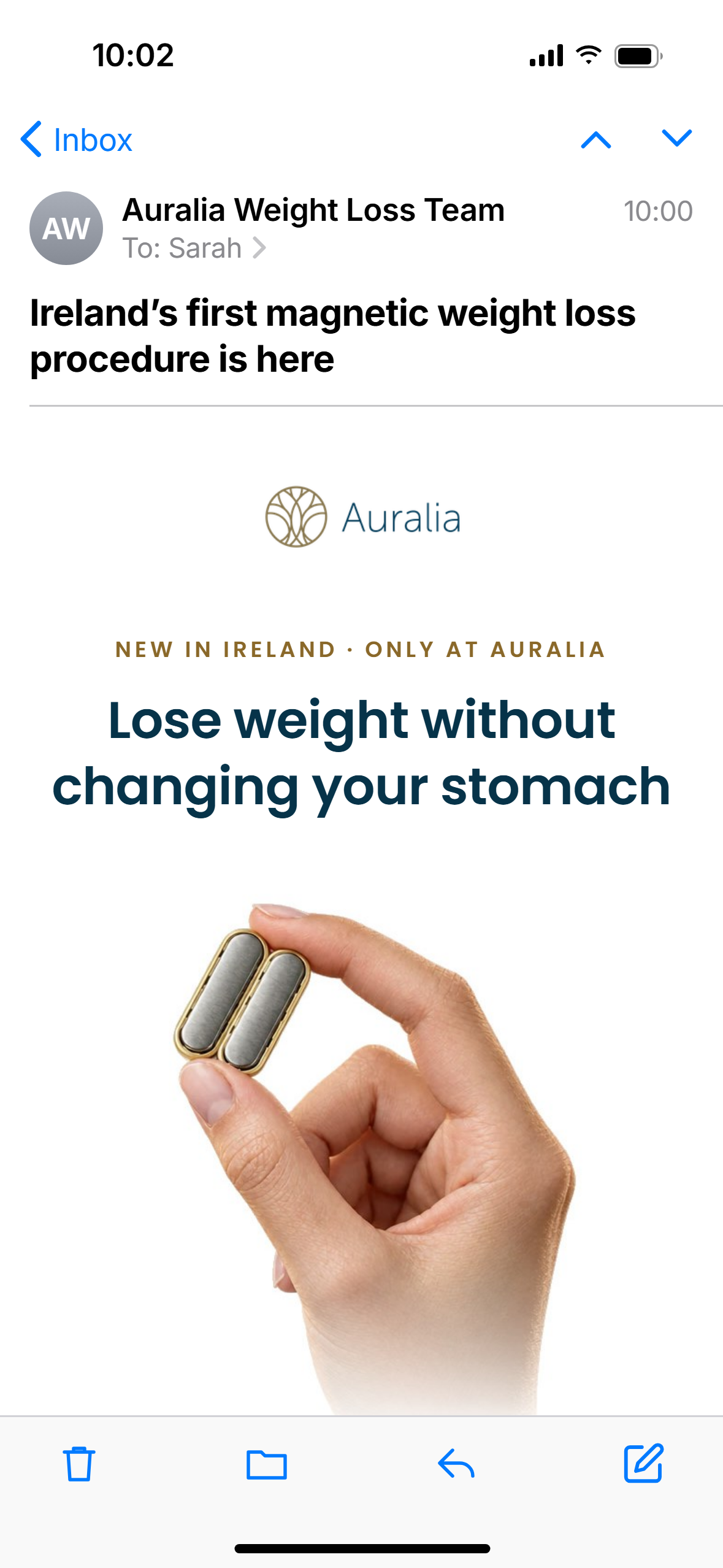
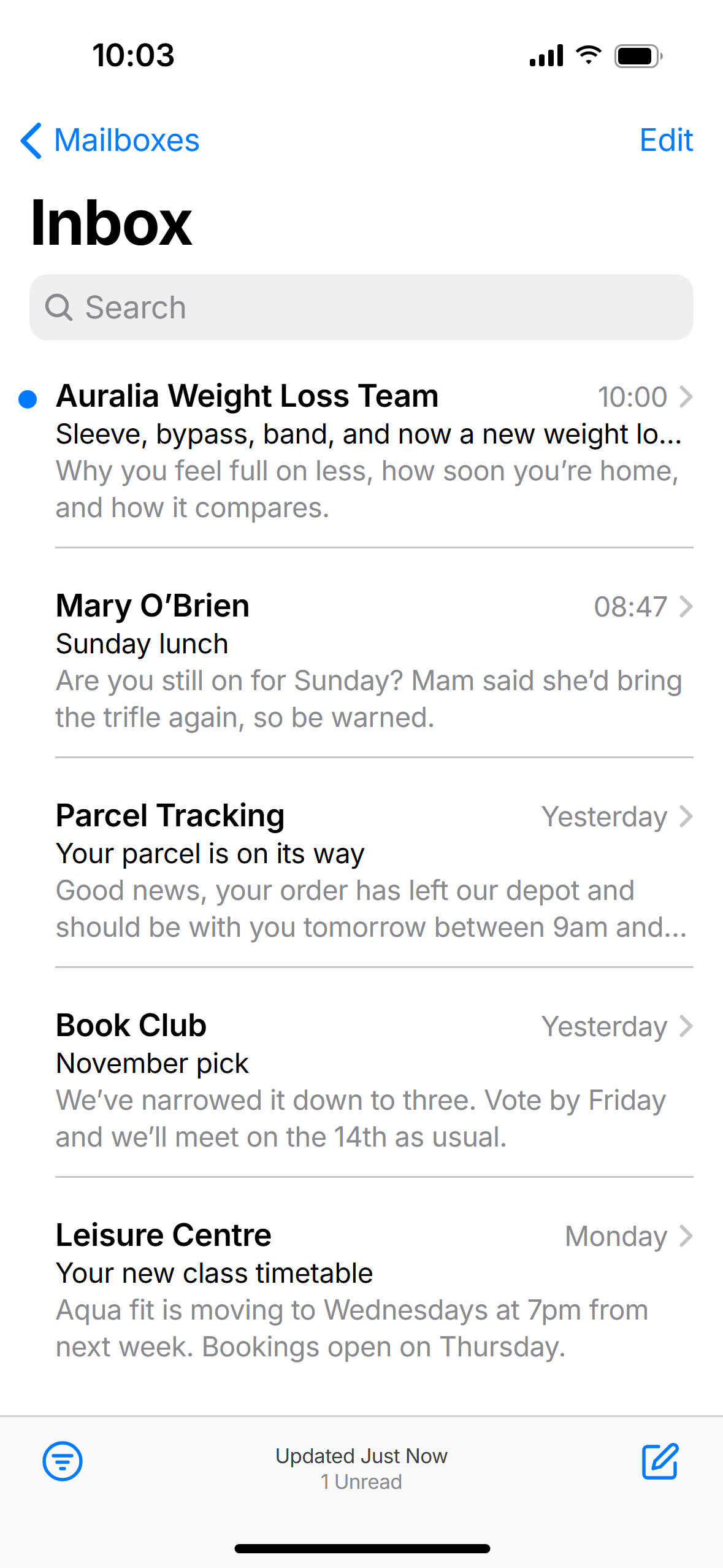
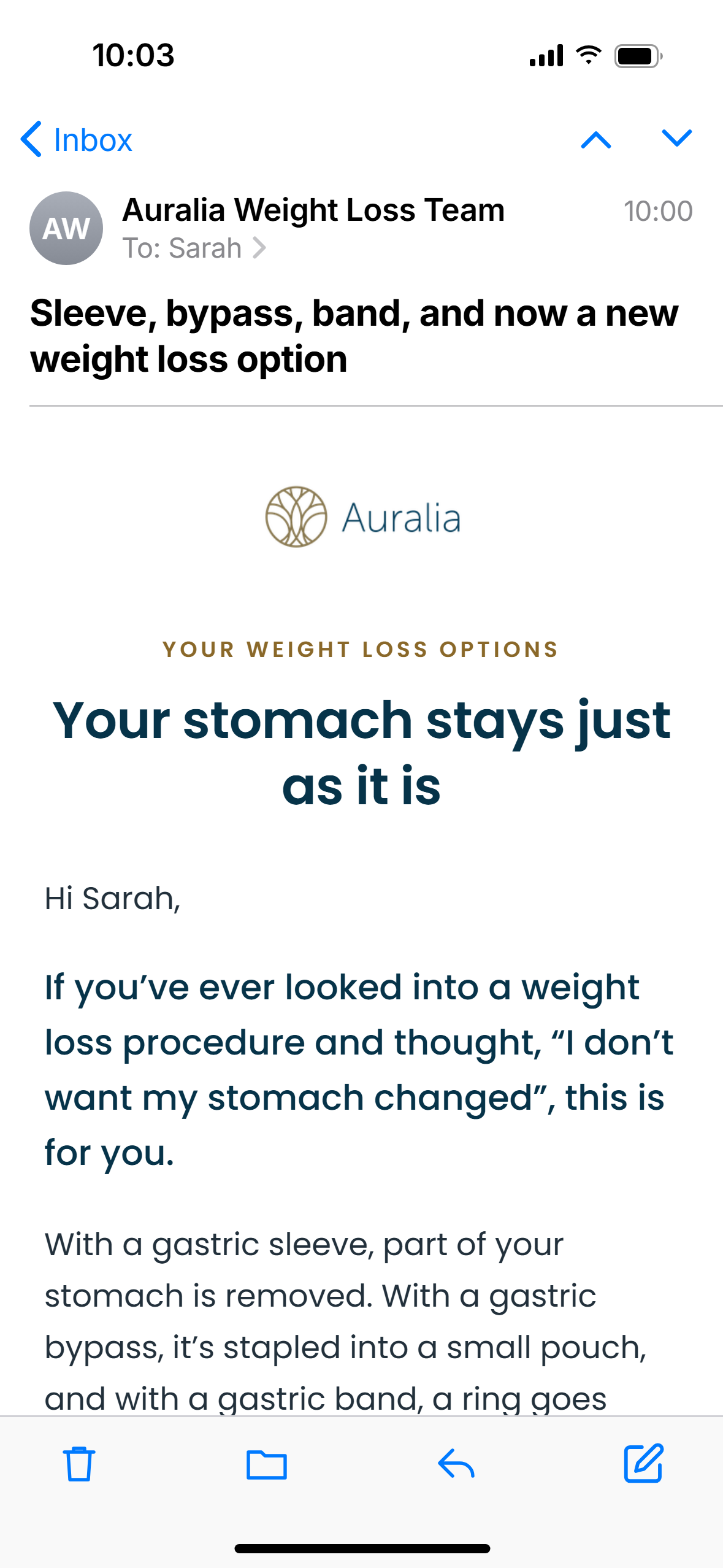
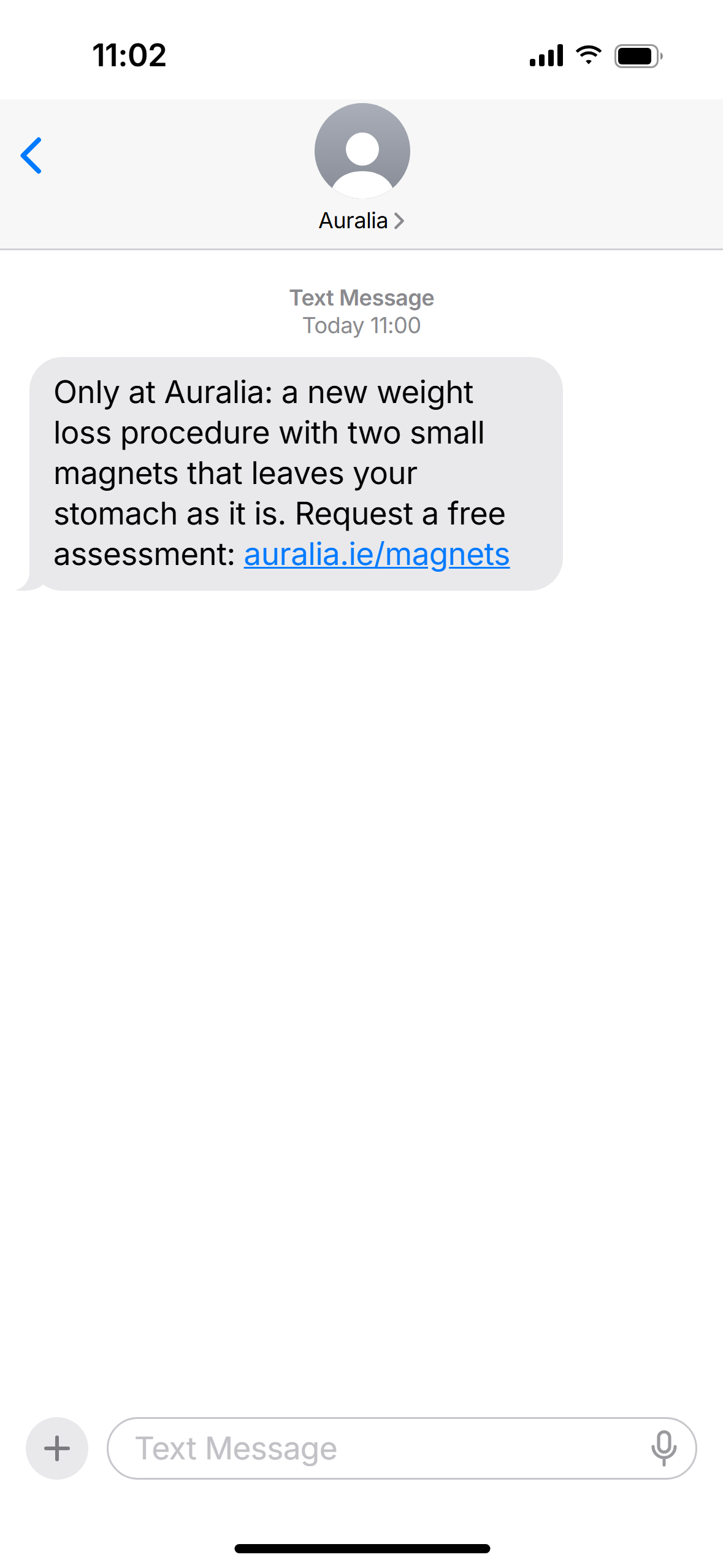
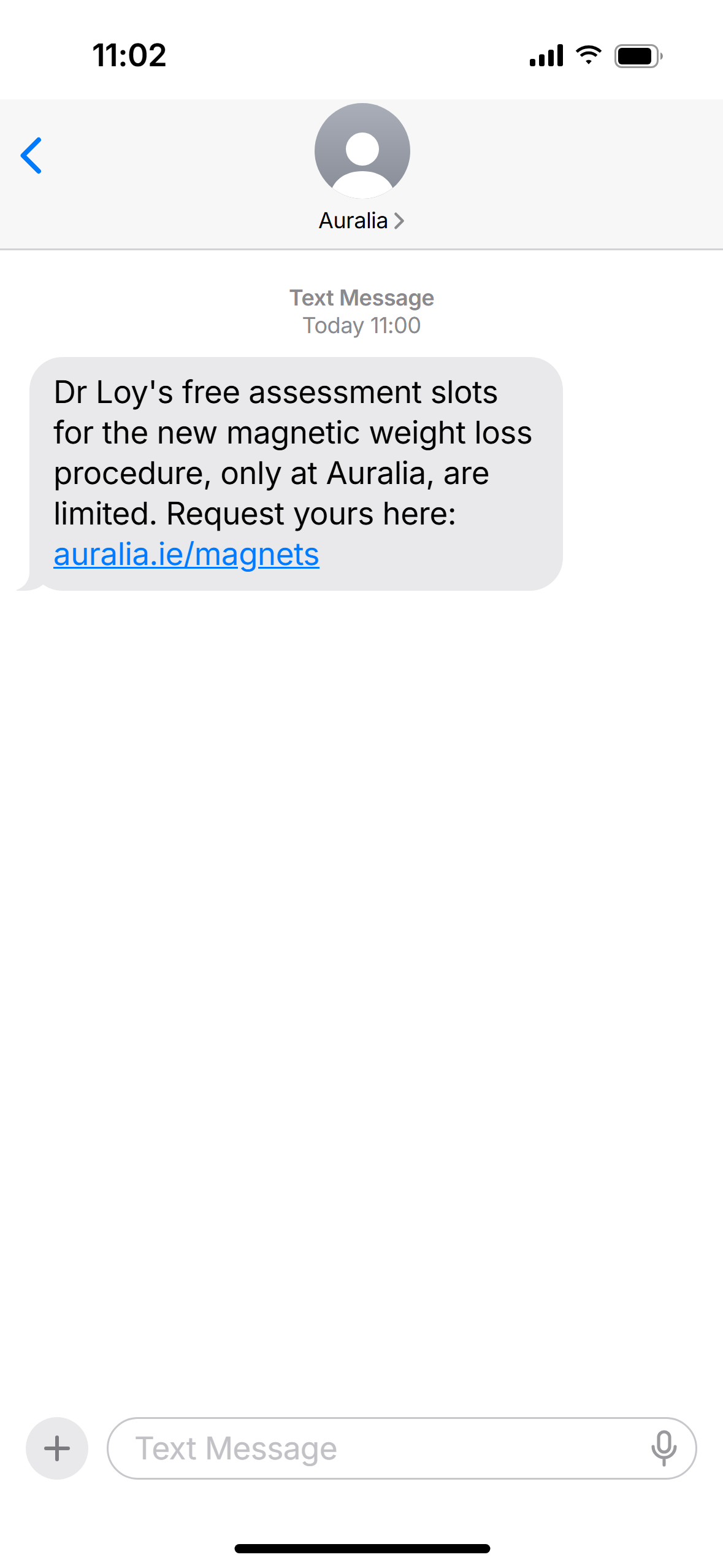
Two emails and one text, shown exactly as they arrive on an iPhone. Below them: who receives each message and what is needed to build it in Marketing Cloud.
Email 1: the announcement
Email 2: the options
Text message
One list, four exclusions
| Audience | People |
|---|---|
| Weight loss enquirers with a valid email, Sept 2024 to Sept 2026 | 14,982 |
| Booked or had a weight loss procedure (from the 1,479 who booked a consultation) | exact count in Salesforce |
| 2026 balloon enquirers with a BMI under 30 | 239 |
| Already enquired about MagDI™ (they are being called) | 2 + any since |
| Unsubscribed or bounced (Marketing Cloud removes them itself) | automatic |
| Email 1 audience | 13,264 to 14,741 |
| Of whom have a valid Irish or UK mobile (text audience ceiling) | 9,411 to 10,856 |
Source: Salesforce lead exports of 2 October 2026, de-duplicated by email. The ranges close to one number once Salesforce shows how many of the 1,479 consultation patients booked a procedure. 11,619 people have a phone number on file, but only 11,084 of those are valid mobiles (the rest are landlines or incomplete).
Leave out anyone who booked or had a weight loss procedure, however long ago. Email 2 explains how the sleeve, bypass and band change the stomach. Someone who has just had a sleeve should not read that in a sales email.
Keep people who had a consultation but no procedure. They already met us and know their options. A new option is the best reason to come back.
Keep the most recent enquirers, including the last 30 days (380 enquired in September alone). They are the warmest names on the list, and the news is just as new to them.
Balloon enquirers with a BMI under 30 come out, as set in the MagDI™ launch strategy.
Each step goes only to people who have not asked yet
| Message | Sent to |
|---|---|
| Email 1 | The full Email 1 audience |
| Email 2 | Everyone from Email 1 who has not requested an assessment since 27 October |
| Text | Everyone with a valid mobile who has not requested an assessment by 3 November |
Why not "didn't open": Apple Mail opens emails by itself to protect privacy, so many people who never read Email 1 would count as opened and miss the text.
Why not "didn't click": people who clicked but did not fill in the form are the warmest on the list. The text is for them too.
What Marketing Cloud needs
| Item | Email 1 | Email 2 | Text |
|---|---|---|---|
| Send | Tue 27 Oct, 10:00 | Fri 30 Oct, 10:00 | Tue 3 Nov, 11:00 |
| From | Auralia Weight Loss Team | Auralia | |
| Subject | Ireland’s first magnetic weight loss procedure is here | Sleeve, bypass, band, and now a new weight loss option | – |
| Preview text | Used in the US and Canada since 2021, and now here for the first time. | Why you feel full on less, how soon you’re home, and how it compares. | – |
| Link | utm_content=e1-button | utm_content=e2-button | auralia.ie/magnets → utm_medium=sms&utm_content=sms1 |
| File | email-1.html | email-2.html | Option A text, 148 characters, one standard text |
Every link goes to auralia.ie/magdi-meta-landing-page/ with utm_source=marketingcloud&utm_campaign=magdi-reawaken. The landing page form already picks these up, so each request arrives in Salesforce tagged to this campaign.
- Paste
email-1.htmlandemail-2.htmlinto Content Builder as HTML emails. The first name, unsubscribe and address fields are already in place. - Upload the four images to Content Builder and swap their addresses in the HTML.
- Build the audience as a data extension with
FirstName,EmailandMobile, applying the exclusions above. - Save mobiles in one format (
353 8x…): 269 are stored as08…and 3,538 start with+. - Add the redirect
auralia.ie/magnetsto the landing page with the text-message tracking, and click it once from a phone to check the tracking survives. - Before each send, remove everyone with a new weight loss enquiry since 27 October 10:00.
- Send tests to two internal inboxes (one iPhone, one Gmail) before scheduling.